

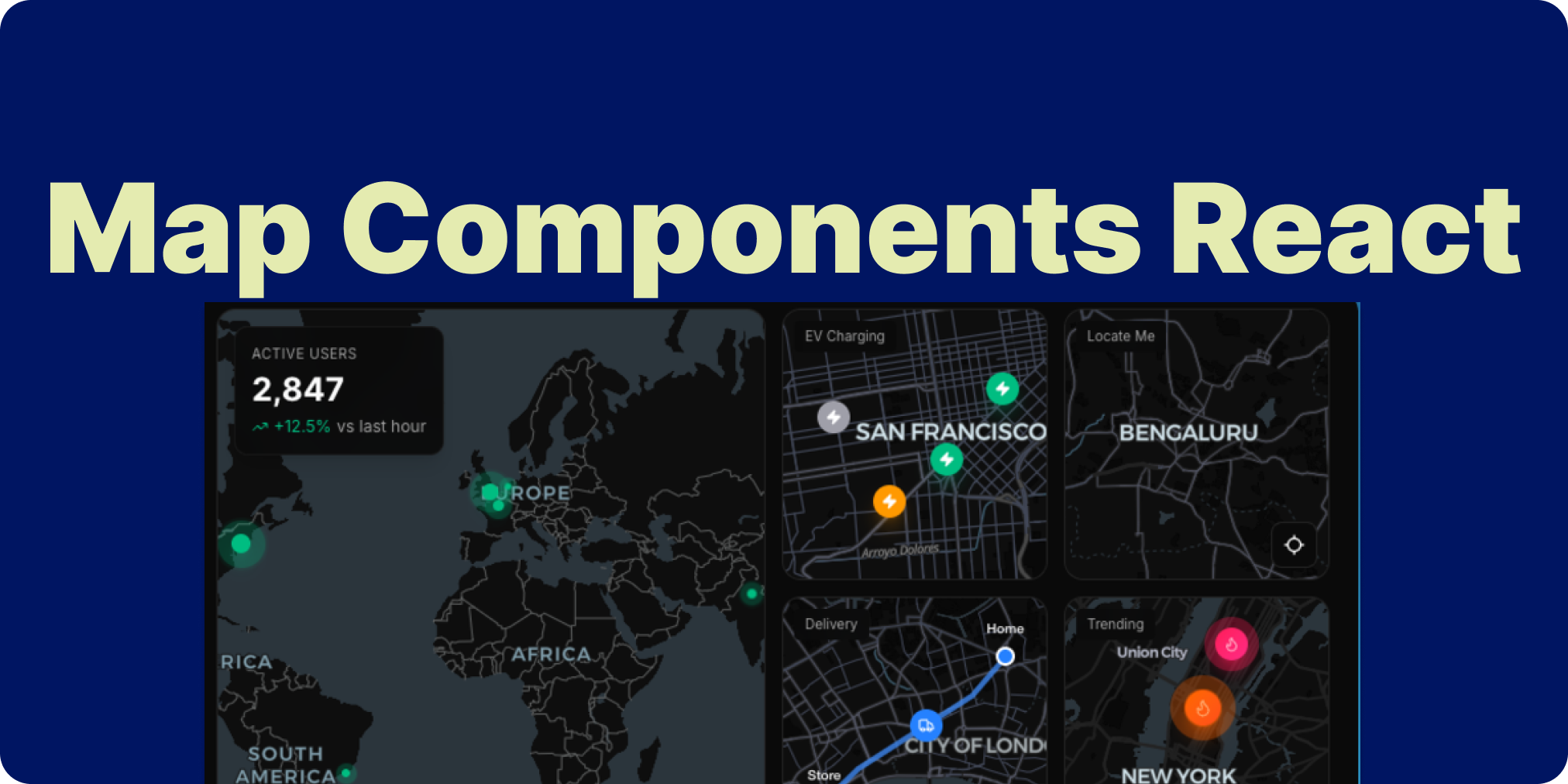
In the world of modern web development, map components React developers need tools that are powerful yet simple. Enter MapCN – a free, open-source library that brings beautiful, interactive maps to your React apps with zero hassle. Built on MapLibre GL and styled with Tailwind CSS, it’s designed for seamless integration with shadcn/ui. Whether you’re building location-based dashboards or travel apps, MapCN makes embedding map components React a breeze.
If you’re tired of bloated mapping solutions, MapCN stands out with its lightweight, declarative approach. Let’s dive into why this gem deserves a spot in your toolkit.
What Makes MapCN the Go-To for Map Components React?
MapCN redefines simplicity in map components React. It’s 100% free under the MIT license, with no vendor lock-in. Powered by MapLibre GL, it supports rich geospatial features without the complexity of traditional libraries like Leaflet or Google Maps.
Key highlights:
- Zero Config Setup: One command, and you’re mapping.
- Theme-Aware Design: Auto-adapts to light/dark modes.
- Composable Components: Stack markers, routes, and controls effortlessly.
With 423+ GitHub stars and growing, developers praise its clean API and performance.
Top Features of MapCN Map Components React
MapCN packs a punch in a small package. Here are the standout map components React features:
- Core Map Component: Render interactive maps with custom centers, zooms, and styles.
- Markers & Popups: Add clickable pins with tooltips, labels, and rich popups.
- Routes: Draw dynamic paths for navigation or logistics visualizations.
- Built-in Controls: Zoom, compass, geolocation, and fullscreen – all styled to match your UI.
These components are fully TypeScript-ready, ensuring type safety in your React projects.
Quick Installation: Get Map Components React Running in Minutes
Setting up MapCN is as easy as it gets. Start with npm or yarn:
npm install mapcn
# or
yarn add mapcn
No API keys or extra configs needed. Import and use directly in your Next.js or React app. For full docs, head to the official demo site.
Hands-On: A Simple Map Components React Example
Here’s a basic snippet to showcase map components React in action – plotting a marker in New York City:
import { Map, Marker, Popup } from 'mapcn';

export default function InteractiveMap() {
  return (
    <div className="w-full h-96 rounded-lg">
      <Map
        center={[40.7128, -74.0060]}
        zoom={10}
        className="rounded-lg"
      >
        <Marker position={[40.7128, -74.0060]}>
          <Popup title="Empire State Building" description="Iconic NYC landmark">
            Explore the city that never sleeps!
          </Popup>
        </Marker>
      </Map>
    </div>
  );
}
Drop this into your component, and voila – a responsive, interactive map! Customize with Tailwind classes for that shadcn/ui polish.
Why MapCN Excels Among Map Components React Options
In a sea of mapping libraries, MapCN shines for its developer-friendly ethos. It’s composable, performant, and free from paywalls. Perfect for indie devs or enterprise teams needing quick wins.
Pro tip: Pair it with other UI boosters. For instance, if you’re hunting for React Bits alternatives for stunning UI, MapCN’s Tailwind integration takes your designs to the next level.
Wrap Up: Level Up Your Apps with Map Components React Today
MapCN isn’t just another library – it’s a game-changer for map components React. Its zero-config magic, robust features, and open-source spirit make it ideal for modern apps.
Ready to map your ideas? Star the repo on GitHub and try the live demo. What’s your next project? Share in the comments!
