

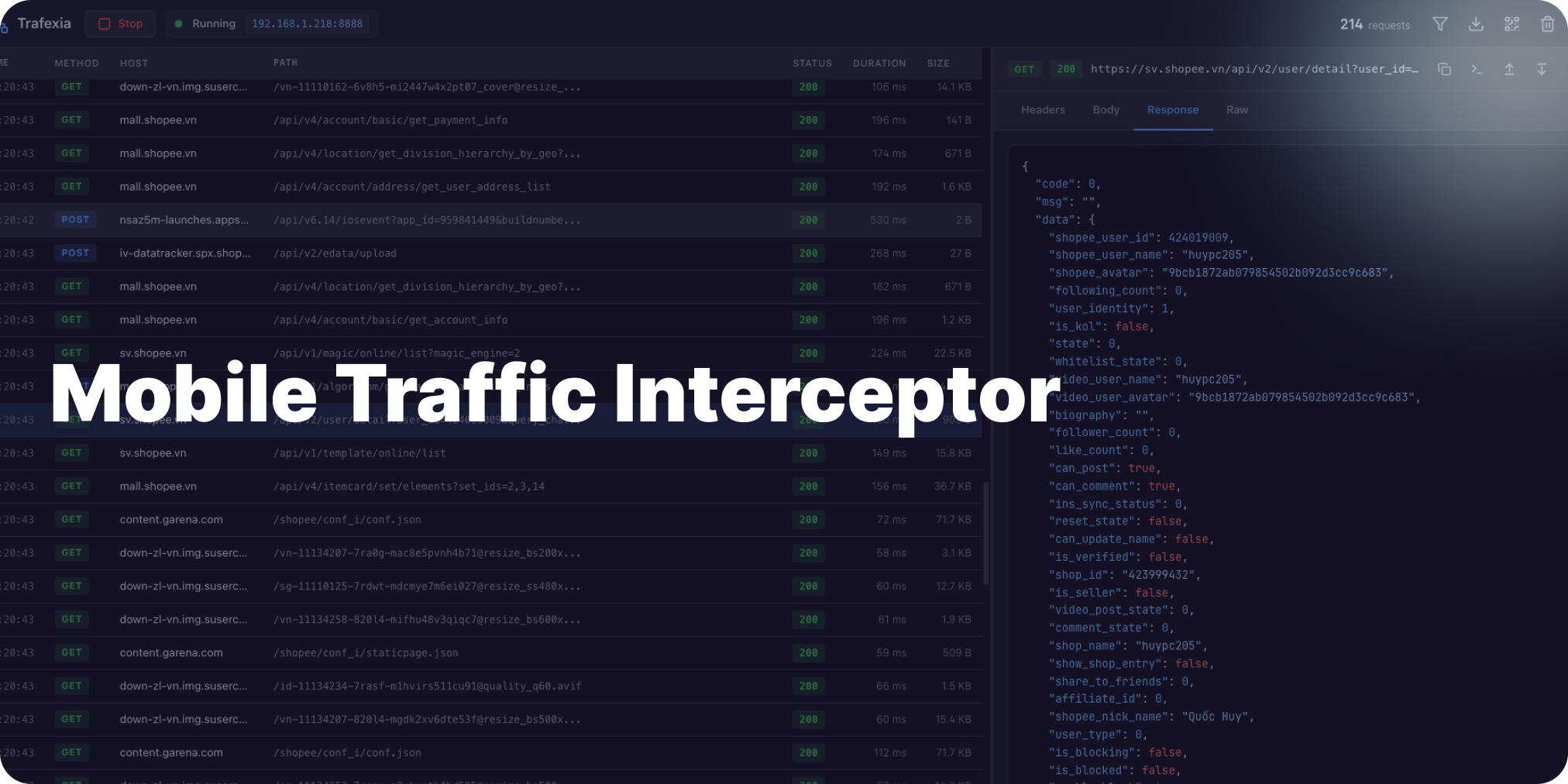
In the fast-paced world of mobile app development, capturing and analyzing network traffic is essential for spotting bugs, optimizing performance, and ensuring security. Enter Trafexia, the ultimate Mobile Traffic Interceptor designed for developers and security pros. This open-source desktop tool turns your PC into a powerful MITM proxy, effortlessly intercepting HTTP/HTTPS traffic from iOS and Android devices.
Why Choose Trafexia as Your Go-To Mobile Traffic Interceptor?
Built with Electron and Vue 3, Trafexia simplifies what used to be a headache. Key highlights include:
- QR Code Magic: Scan a generated QR code on your mobile to auto-configure proxy settings and install the CA certificate—no manual fiddling required.
- Real-Time Insights: Watch requests flow in live, with syntax-highlighted headers, bodies, and timings. Filter by method, status, or host for laser-focused analysis.
- Smart Detection: Auto-spots sensitive data like JWT tokens or API keys, keeping your reverse engineering secure.
- Export Powerhouse: Save captures as HAR files, cURL commands, Python scripts, or Postman collections for seamless sharing.
Whether you’re debugging API calls or auditing app security, Trafexia makes mobile traffic interception intuitive and efficient.
Quick Setup: Get Trafexia Running in Minutes
Clone the repo from GitHub, run npm install, and fire up npm run dev. Start the proxy on port 8888, scan the QR, and you’re intercepting traffic instantly. Pro tip: For remote access or scaling, deploy on a VPS—learn more in our guide on What is a VPS (Virtual Private Servers)?.
Wrap-Up: Intercept Smarter, Develop Faster
Trafexia isn’t just a tool—it’s your secret weapon for mastering mobile networks. Download it today, secure your own devices only, and elevate your workflow. Got questions? Dive into the repo and start intercepting!
What is Trafexia?
Trafexia intercepts mobile HTTP/HTTPS traffic via a MITM proxy on port 8888, with auto CA certificates and QR code setup.
How does Trafexia setup work?
Download for your OS, start proxy, scan QR on mobile, install CA cert—capture traffic in 5 minutes.
Certificate pinning bypass?
Built-in bypass handles pinned HTTPS without extra config.
Export options?
One-click to HAR, cURL, Python, Postman collections.
